imported>Caswal No edit summary |
(No difference)
|
Latest revision as of 20:56, 14 July 2016
In Windows 7/8.1/10:
- Click on the Start Button
- In the Search box/type dxdiag press enter.
- You should be presented with DirectX Diagnostics Tool Window:
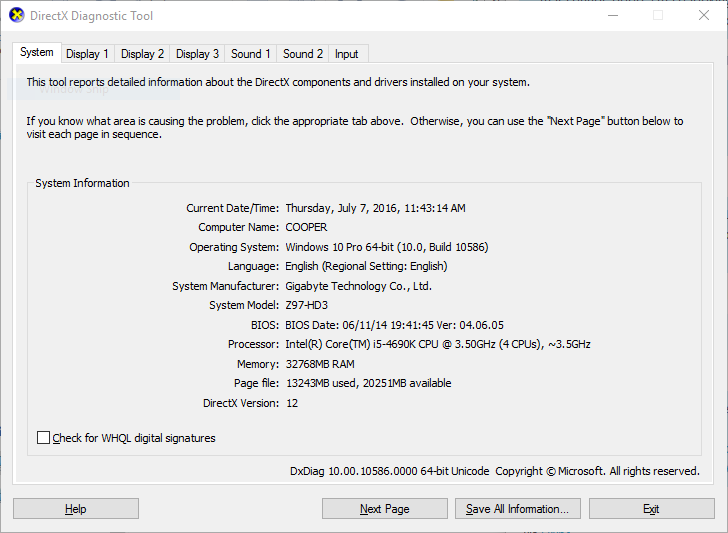 DxDiag Example
 - Click on Save All Information...
- Save that file (DxDiag.txt)
- Email that file, with your username and link to your forum post (if applicable) to contact@camshaftsoftware.com
